Regarding the question “How to Spot Fake Instagram Messages?” question, think about this subject: just by opening a message in Direct, all your information is stolen. Not just your password but your digital identity. Are you sure that the messages you see daily on Instagram are real?
In this article, you will learn how to identify fake Instagram messages in seconds and save yourself from falling into the trap of scammers.
Understanding the Landscape of Fake Instagram Messages
With millions of users, Instagram is a prime target for scams. Scam messages on Instagram often mimic ads or support messages to trick users into clicking harmful links or revealing personal info. Spotting these helps you avoid Instagram impersonation and fraud.
v Common Motivations Behind Fake Messages
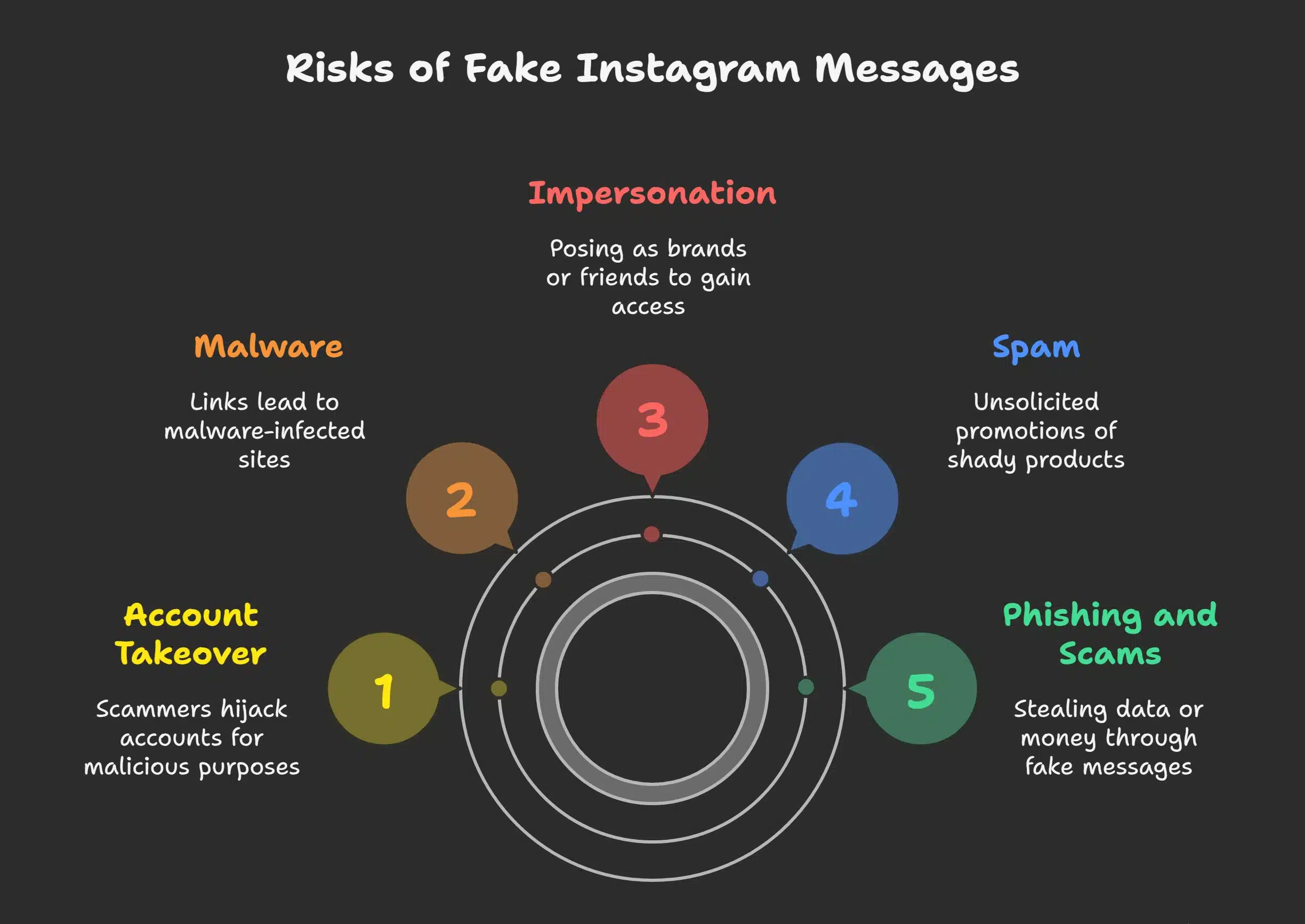
- Phishing: Scammers send fake messages, such as Instagram, to steal your login details or personal data through phishing links in DMs.
- Scams: Many messages promote fake giveaways on Instagram or investment offers, aiming to trick you into sharing info or sending money.
- Malware: Some DMs contain links to malware-infected sites, putting your device and data at risk.
- Account Takeover: By stealing your credentials, scammers can hijack your account to spread more scams or lock you out.
- Spam: Clickbait Instagram messages often promote shady products or services through unsolicited promotions.
- Impersonation: Instagram supports impersonators and fake profiles, who may pose as trusted brands or friends to gain access to your account.
The Methods to Spot Fake Instagram Messages? [Examining the Sender’s Profile]
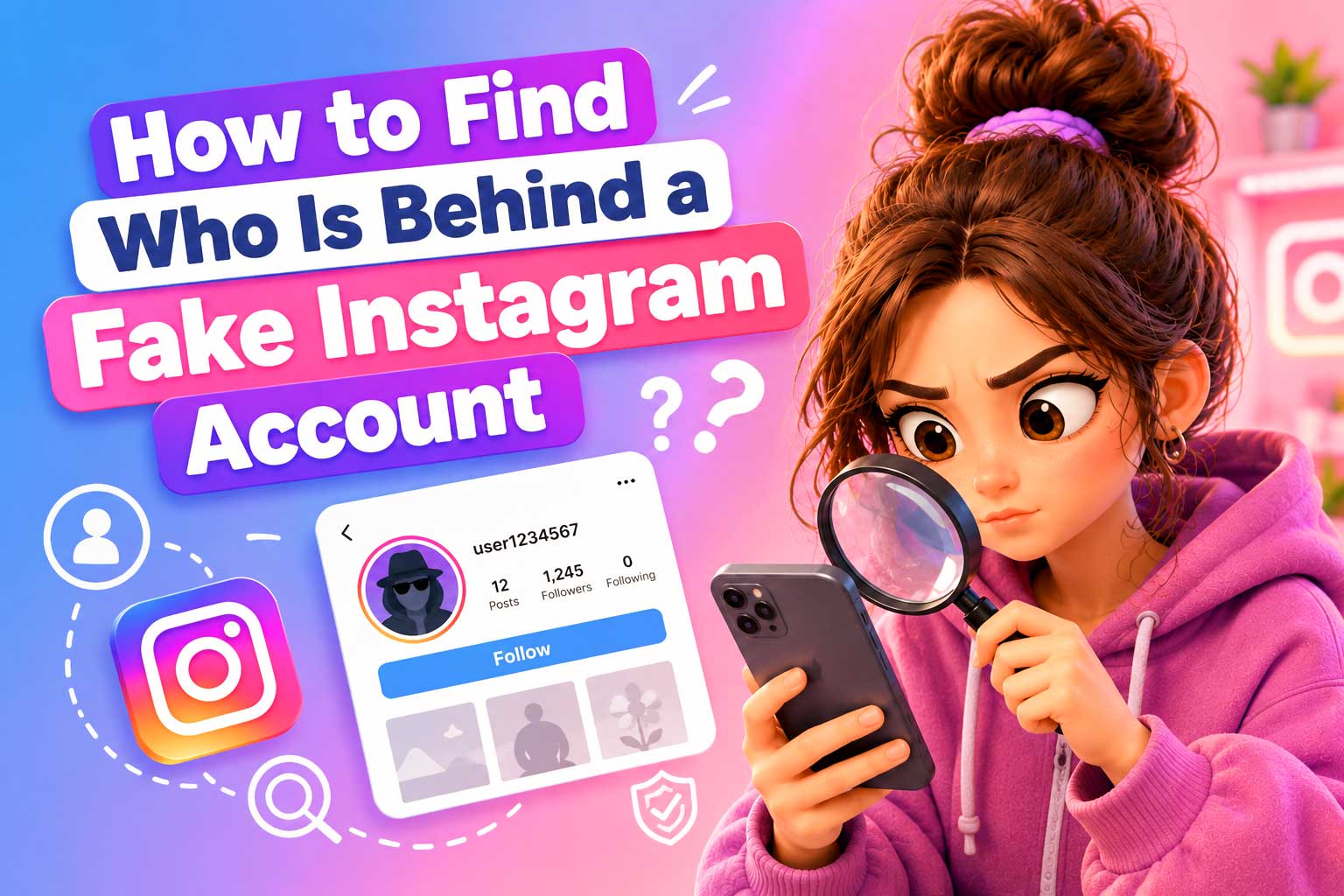
One of the best ways to verify Instagram message authenticity is by closely examining the profile that sent the message. Fake accounts and bots have a few distinct features that can help you spot them.
- No Profile Picture or Generic Image: An empty profile or one with a generic stock photo is a common sign of a fake Instagram account.
- Suspicious or Empty Bio: Profiles with bios full of random text, links, or promotional content are often associated with Instagram account scams.
- Follower-Following Imbalance: Fake accounts often have a large following but very few followers, or they might have a small number of followers but follow thousands of people.
- Few or No Posts: Real users typically post regularly. Accounts with no posts or only a handful of low-quality posts may not be legitimate.
- Recently Created Accounts: Be cautious of new accounts that suddenly follow hundreds of users or send mass messages.
- Lack of Engagement: Genuine profiles usually receive likes, comments, and interactions. If a profile has no engagement, it may be a bot.
- Unusual Usernames: Fake accounts often use usernames that contain random strings of letters or numbers or are similar to the names of famous brands or celebrities in an attempt to appear legitimate.
- No Verification Badge: If an account claims to be a famous person or brand but doesn’t have a verified badge, it could be an imposter.
The Anatomy of a Suspicious Message [Key Indicators]
To verify Instagram messages, look for red flags that set scams apart from real communications. Most fake messages have clear signs that help you spot and avoid them.
v Step-by-Step Guide to Verifying an Instagram Message
- Generic Greetings: Messages starting with “Dear User” or “Hi there” instead of your name are likely scams. Instagram uses personalized greetings.
- Poor Grammar and Spelling: Typos and awkward phrasing often signal fake Instagram messages. Official accounts proofread their content.
- Urgency or Threats: If a message pressures you to act fast or threatens account suspension, it’s a scam. Instagram doesn’t send threats via DM.
- Too-Good-to-Be-True Offers: Promises of fast fame or money are usually part of fake giveaways or scams.
- Requests for Sensitive Information: Instagram will never ask for your password or private info through DMs. Such requests are red flags.
- Suspicious Links: Be cautious with links in DMs. Scammers often use phishing URLs that look legit but lead to fake sites.
- Moving Conversations Off Instagram: If someone insists on chatting via WhatsApp or Telegram, it’s likely a scam trying to avoid detection.
- Incoherent Language: Some bots generate suspicious DMs on Instagram that don’t make sense or have no clear meaning. These incoherent messages are often an indicator of automation rather than a personal message.
Best Practices for Staying Safe on Instagram
Staying safe from scam messages on Instagram requires a proactive approach. Here are some best practices to help you protect your Instagram account:
- Enable 2FA: Two-factor authentication adds extra protection and makes it harder for scammers to access your account.
- Use Strong Passwords: Avoid reusing passwords across platforms to reduce the risk of account breaches.
- Be Skeptical of DMs: Don’t trust unexpected messages, especially those asking for money or personal info.
- Avoid Suspicious Links: Even if a link comes from someone you know, always double-check before clicking.
- Don’t Download Files: Instagram doesn’t send attachments in DMs, so avoid any messages with unexpected files.
- Report and Block Scammers: If you get a scam message, report and block the account immediately.
- Limit Public Info: Sharing less about yourself publicly reduces your chances of being targeted.
- Educate Others: Teach friends and family how to recognize fake Instagram messages and stay safe.
- Use Trusted Apps Only: Stick to Instagram-approved tools and avoid apps that offer fake growth or engagement.
- Stay Informed: Keep up to date with the latest Instagram security tips and common scam tactics.
Final Thoughts
As scams grow more sophisticated, it’s crucial to spot fake messages early. Watch for signs of fake profiles, and learn how to report spam on Instagram to keep your account safe. Staying alert helps you avoid getting hacked on Instagram and protects your online presence. Trust your instincts; if something feels off, it probably is.
Have you encountered any suspicious Instagram DMs or scams recently? Please share your experiences in the comments below, and let us know how you stay safe on Instagram! Tell us your tips and feedback about “How to Spot Fake Instagram Messages?” that may help others too.
How to tell if an Instagram DM is a bot?
Look for generic messages, poor grammar, or repetitive content. Bots often send messages quickly and push for actions like clicking links or downloading files.
Can I trace a fake Instagram account?
While Instagram doesn’t allow direct tracing, you can look at clues like the account’s activity, lack of a profile picture, or suspicious bio. You can also use Instagram’s “About This Account” feature to learn more.
How can I tell if someone is impersonating me on Instagram?
Check if someone uses your photos, bio, or username to deceive others. You can report impersonating accounts directly to Instagram.
How can I report a fake account on Instagram?
To report a fake account, go to their profile, click the three dots in the top-right corner, and select “Report.”
Can I prevent phishing attacks on Instagram?
You can protect your account by enabling two-factor authentication (2FA) and avoiding clicking on suspicious links.