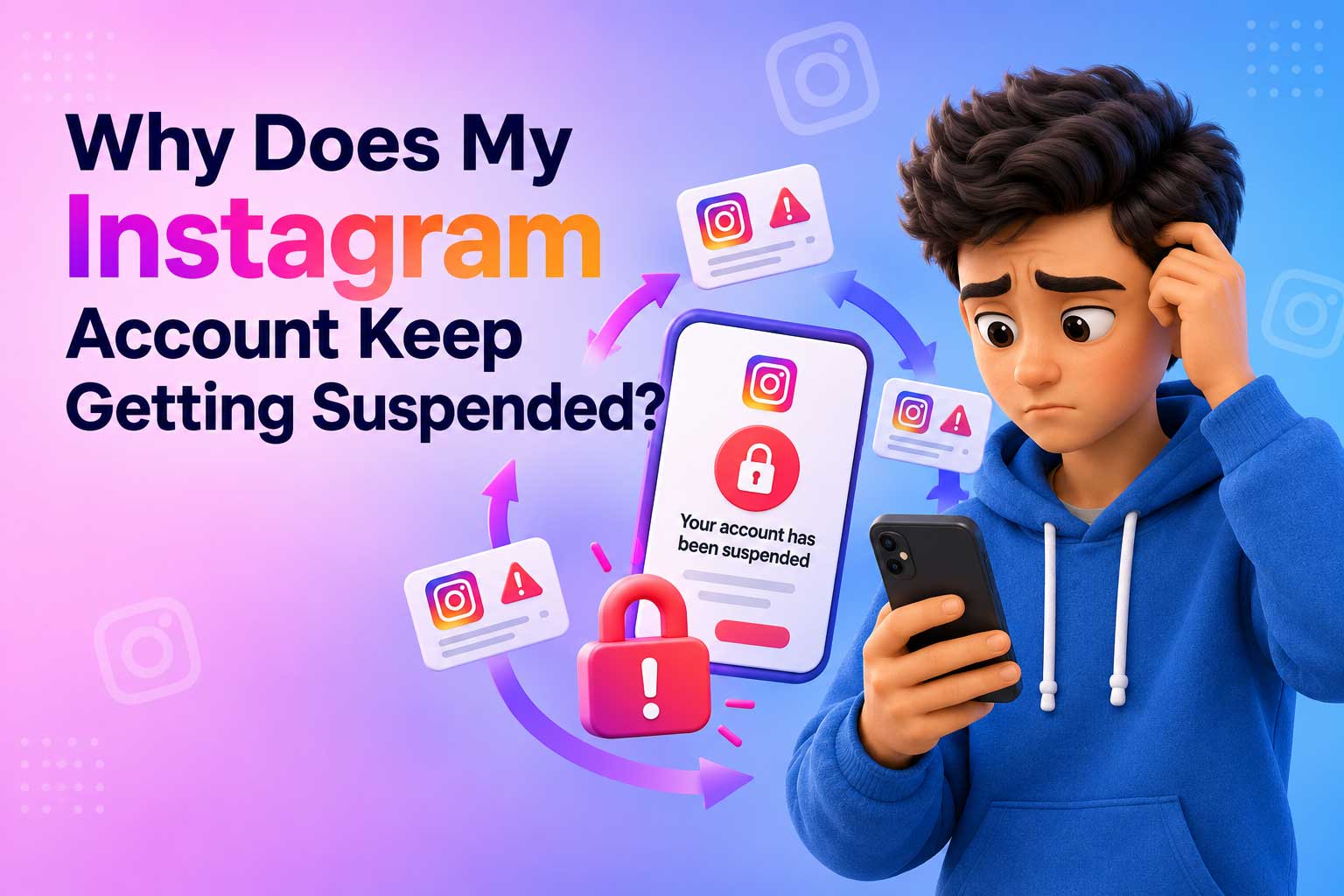
Repeated Instagram suspensions are rarely random. They often happen when the same problems keep triggering Instagram’s rules and systems. A post may be removed, your account may be restricted, or you may be asked to confirm your identity. When similar issues happen again, Instagram may take stronger action. Common suspension triggers include spam-like activity, copyright problems, unusual login activity, and repeated rule violations.
But fixing one warning is not always enough. You need to find the pattern behind the suspensions and remove the real cause. In the sections below, we will look at the main reasons Instagram accounts get suspended, why these actions can become more serious, and what you can do to help prevent another suspension.
It’s Not Bad Luck — Instagram Tracks a Trust
Getting suspended again does not always mean you were simply unlucky. Instagram uses different trust and security signals to understand whether an account looks safe and real. There is no public Instagram page that shows users a specific trust score, so it is better to think of this as an internal signal rather than a visible number. Things like login patterns, device history, account age, and past enforcement actions can all help shape how Instagram sees an account.
For example, an older account with a steady login history may look very different from a new account that changes devices, locations, or IP addresses often. Repeated violations can add another warning sign. The same can happen when an account suddenly shows unusual activity, such as a large number of follows, comments, or messages in a short time. None of these signals alone means that an account will be suspended. However, several unusual signals appearing together can lead to more checks or restrictions.
This also helps explain why repeated suspensions can feel like they happen faster each time. Once an account has a history of previous violations or security problems, a new problem may be viewed in that larger history instead of by itself. Instagram does not publicly explain a simple formula showing that every suspension lowers a set trust score by a certain amount. Still, past enforcement can matter when the platform decides what action to take.
So, the key is not to think of a suspension as one isolated event. It is part of your account’s wider history. In the next sections, we will look at the specific behaviors that can damage that history and keep triggering new suspensions.
The Triggers That Keep Coming Back
When an Instagram account keeps getting suspended, the same trigger may be showing up repeatedly. Sometimes it is easy to spot. Other times, it can come from an old app, a familiar device, or activity that looks unusual to Instagram. Here are some of the most common recurring suspension triggers to check.
-
Third-party apps you forgot you connected (follower trackers, auto-likers)
Apps that promise to show who unfollowed you, track followers, or add likes may still have access to your account. Some services also use your account to perform actions automatically. Even when you stopped using the app, its connection may still matter. Check your connected apps and remove any service you do not recognize or no longer need.
-
Automation or Growth Tools, Even “Safe-Looking” Ones
Some Instagram growth tools promise automatic likes, follows, comments, or messages while claiming to be safe. The problem is the behavior they create. Large numbers of actions in a short time can look like spam or inauthentic activity. If your account keeps facing restrictions, disconnecting automation tools is an important step.
-
Mass reports (sometimes targeted, not deserved)
Reports can sometimes come from many users at once, including during personal disputes or targeted reporting campaigns. A large number of reports does not automatically prove that an account broke Instagram’s rules. However, reported content may still be reviewed, and genuine policy violations can lead to enforcement.
-
Repeated content-policy flags from similar posts
Posting the same type of content again after Instagram removed a similar post can keep the problem going. Repeated content violations may involve copyright, spam, harassment, or other Community Guidelines issues. Changing the image or caption may not help if the underlying problem remains the same. Before posting similar content again, check what caused the original removal.
Why Fixing It Once Doesn’t Stop It From Happening Again
Fixing an Instagram suspension once does not always stop the problem. The reason is simple: the original trigger may still be connected to your account. For example, you may appeal a suspension and regain access, but an old third-party app, automation tool, unusual login pattern, or other account signal can remain in place. When the same activity happens again, Instagram may detect similar signals and take action again.
This is why appealing a suspension is not the same as fixing the cause. An appeal may restore your access, but it does not automatically remove an app connection, change your login habits, or stop the behavior that caused the first problem. The same device or network can also continue to be part of your normal account activity.
That does not mean Instagram automatically bans every account linked to a previous suspension. A shared device or IP address alone is not proof of a violation. But when several signals appear together, they can lead to more security checks or enforcement.
To stop the cycle, find the real cause of the suspension and fix it. Getting your account back is only the first step. You also need to remove the app, tool, or behavior that may be causing the problem. Otherwise, the same issue can come back and lead to another suspension.
How to Actually Break the Cycle
Getting your account back is only part of the solution. To reduce the chance of another Instagram suspension, you need to remove the signals that may be causing the problem. Use this checklist after you regain access:
- Check your connected apps. Go to Settings > Security > Apps and Websites and review the services connected to your Instagram account. Remove follower trackers, auto-likers, and any app you do not recognize or no longer use. Old connections can continue to be a problem.
- Stop all automation. Turn off tools that automatically follow, like, comment, message, or perform other actions for you. Avoid “safe” growth tools that promise to increase engagement automatically. For now, use Instagram normally and make each action yourself.
- Turn on two-factor authentication. Use an authenticator app for 2FA when possible. This adds another layer of protection if someone gets your password and can also help protect your account from unauthorized logins.
- Be careful with your network. Try not to log in from networks that have caused security problems before. Be especially careful with public or shared networks when your account has already faced repeated restrictions. A shared IP does not automatically cause a suspension, but unusual login patterns can lead to extra checks.
- Slowly rebuild your activity. Do not return to your old activity level as soon as your account is restored. Start with normal posting and interaction, then increase your activity gradually. Avoid sudden bursts of follows, likes, comments, or messages. A slow return to normal activity is safer than doing everything at once.
Protect Your Content Before the Next One Hits
When an Instagram account is suspended, getting your account back is usually the main concern. But there is another problem: your content may be harder to access while you are locked out. That is why it makes sense to keep your own copies of important posts, Reels, Stories, and Highlights while you still have access to your account.
-
Why Waiting for Instagram’s Data Export Isn’t Enough
Instagram provides a way to request a copy of your account information. This can be useful for keeping a record of your account, but it is not always the easiest way to save your media. Data exports can take time, and the files may contain a large amount of raw account data that you need to sort through.
If your main goal is simply to keep a copy of the photos and videos you posted, a direct backup can be much easier to use. You get the media itself instead of having to search through a large data package later.
-
Download Your Posts and Reels While You Still Can
Instagram can suspend you for a limited time, preventing you from accessing your profile and its content. You’ll want to save copies ahead of time so you don’t lose important videos. You can use tools like Instagram Reels Downloader on our website to download and backup some of your media files.
Keeping your own copies means that a future suspension does not automatically mean losing years of photos and videos. You can store them on your computer, an external drive, or a cloud service and keep them available even when your Instagram account is not.
-
Don’t Forget Your Saved Highlights
Instagram Highlights are easy to overlook because they stay on your profile longer than Stories. But they can contain important photos, videos, memories, or information that you may not have saved anywhere else.
Before a new account problem happens, use our Highlight Downloader to download your saved Highlights just in case. Having a separate backup gives you one less thing to worry about if your account becomes unavailable.
The best time to protect your content is before a suspension happens. Once you lose access, getting your account back may take time, and you may not be able to access everything as easily as you could before.
How to Appeal (If It Happens Again)
If Instagram suspends your account again, do not panic or send many messages at once. Start with the suspension screen. Instagram may show a link or button that lets you request a review of the decision. Follow the steps shown there and use the official process provided for your account.
-
Check the Suspension Screen
Look carefully for options such as Request a Review, Appeal, or instructions for confirming your account. The exact options can vary depending on why your account was suspended. Use the link provided by Instagram rather than third-party services that promise to recover your account.
-
Complete Identity Verification Carefully
Instagram may ask you to confirm your identity or provide information to verify that you own the account. Follow the instructions carefully and make sure the information you submit is accurate. Avoid rushing through this step or sending unclear documents or photos.
-
Submit One Clear Appeal
When you can explain your situation, keep your appeal short, clear, and factual. Explain why you believe the suspension may have been a mistake and include any useful details requested by Instagram. Avoid angry language or long explanations that do not answer the issue.
-
Do Not Spam Multiple Appeals
Sending repeated appeals is unlikely to make the process clearer. Submit your review request through the official channel and keep track of any response or new instructions from Instagram. Most importantly, do not give your password or verification codes to anyone claiming they can recover your account.
FAQ
Does Instagram suspend accounts for no reason?
Instagram can sometimes make mistakes, but a suspension usually happens because its systems detect a possible policy or security problem. Instagram does not publish every signal it uses to make these decisions, so it may not always be clear why an account was flagged. Check the suspension notice and Account Status for more details.
Why does my new account get suspended immediately after I make one?
A new account can face restrictions when Instagram detects unusual activity or other signals linked to the account. Using the same device, network, third-party apps, or activity patterns connected to a previous problem may also lead to extra checks. A new account does not automatically erase the factors behind an earlier suspension.
Will removing a bad app fix future suspensions?
Removing a suspicious or unnecessary app can help when it is causing automated or unusual activity. However, it does not guarantee that future suspensions will stop. You should also review your account security, change your password when needed, and turn on two-factor authentication.
Does a VPN cause repeated suspensions?
A VPN does not automatically mean your account will be suspended. However, frequently changing your apparent location or logging in from unusual networks can create security signals that may lead to extra checks. Using a stable connection can make your login activity easier to recognize.
How long before my trust score recovers?
Instagram does not publish a specific trust score or a set recovery time. There is no official number of days that guarantees an account will return to a certain level of trust. The safest approach is to follow Instagram’s rules, remove recurring triggers, secure your account, and build a normal activity history over time.