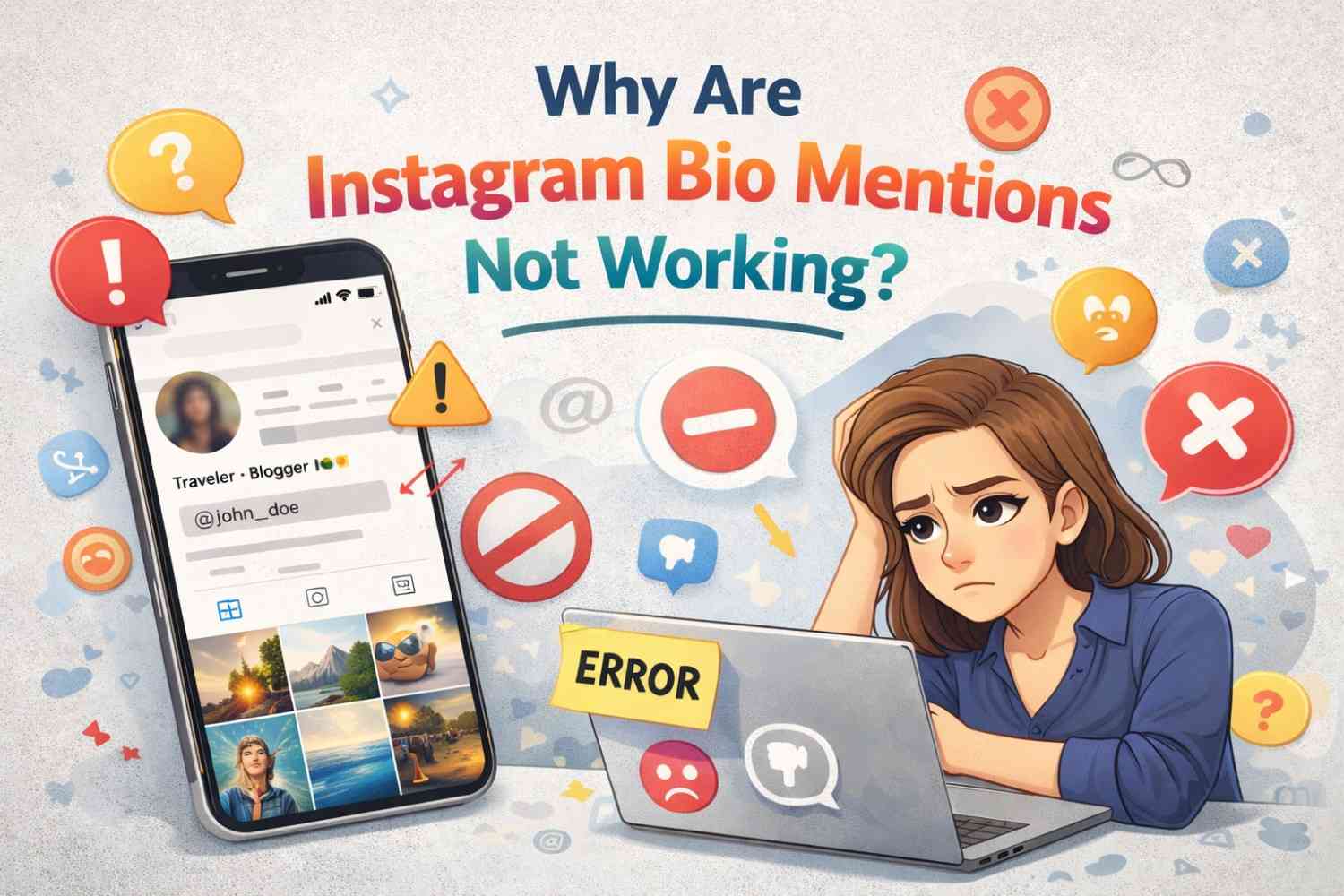
Instagram Bio Mentions Not Working sounds small, but it could quietly damage your visibility, credibility, and chances of growth. If your mentions suddenly stop showing, the consequences might be more serious than you think.
Let’s uncover the Bio-Link issues, “Why are Instagram Bio mentions not working?” and how to fix it before your profile loses traction.
Why Are Instagram Bio Mentions Not Working on iPhone & Android?
Instagram bio mention error is common when these mentions appear as plain text instead. Created with the “@” symbol, they are meant to be clickable links that are only functional in the bio section and not in the name field or other areas of your profile.
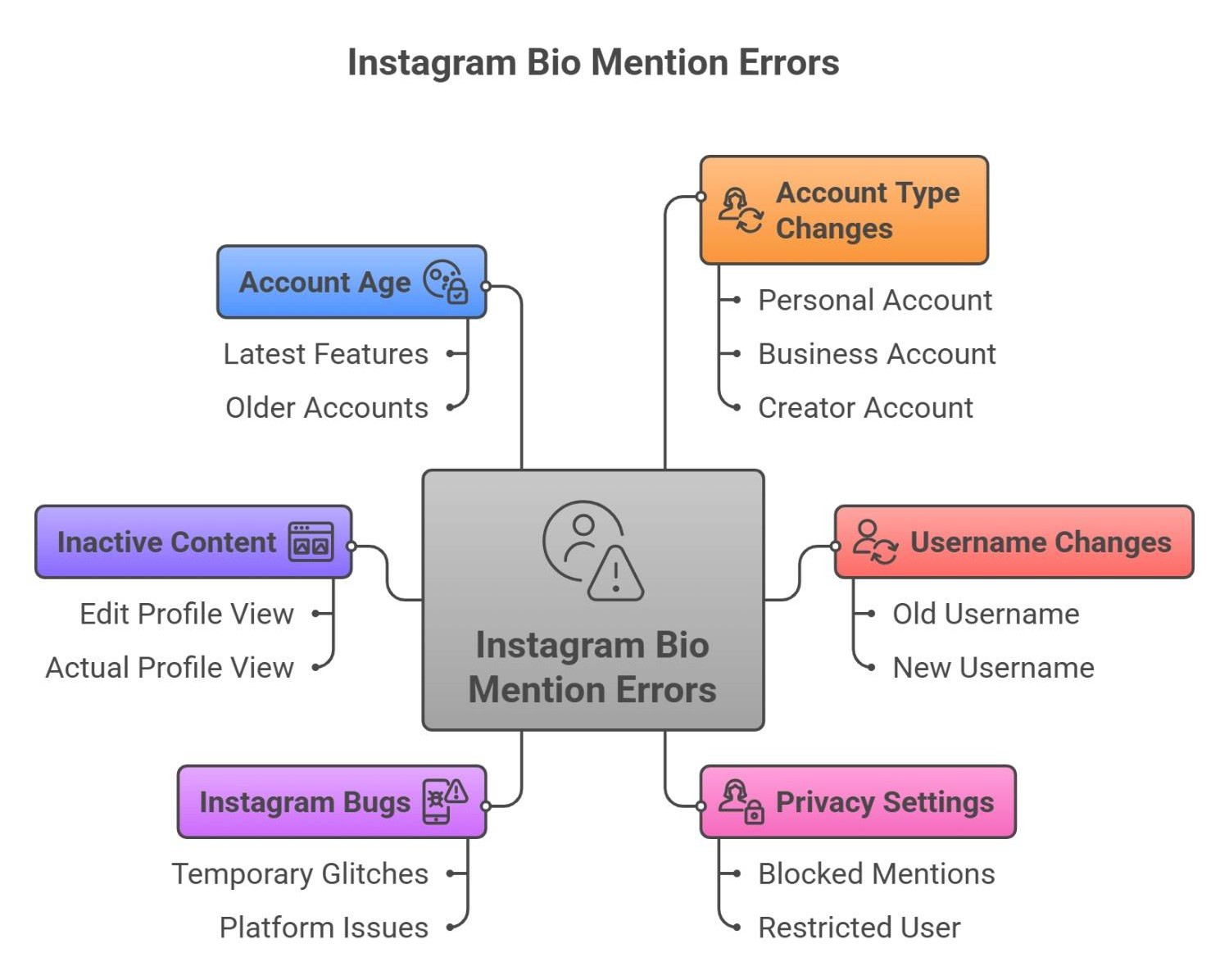
These are 6 reasons why Instagram Bio Mentions aren’t clickable:
- Instagram Username Not Linking Due to Account Type Changes: Switching between Personal, Business, or Creator accounts can affect the functionality of bio mentions.
- Username Changes: If users update their username, any mentions linking to the old username will no longer work. This can lead to broken links in your bio.
- Privacy Settings: Instagram mentions might not be clickable if the mentioned user has blocked mentions or adjusted privacy settings. This is common when your profile is private or the user has restricted you.
- Instagram Bugs: Sometimes, Instagram’s platform glitches temporarily, causing issues with the Instagram mention.
- Inactive Content: Mentions may appear as plain text in the Edit Profile view but appear as clickable links on the actual profile view.
- Account Age: Older accounts might not always have access to the latest Instagram features, including the bio mention functionality.
(+7) Practical Methods to Fix Instagram Bio Mention Errors
Whether trying to tag a collaborator or link to another account, these proven troubleshooting methods and expert tips will help you fix Instagram Bio Mentions Not Working and optimize your profile for better results.
- Check Account Status: Go to your profile, tap on the hamburger menu (three horizontal lines) > Account Status. This section shows if your account complies with Instagram’s guidelines and if restrictions might affect the bio features.
- Trimming the Bio: A few users thought the issue might be related to the bios’ character count. Instagram bios have a 150-character limit. Some users found success by shortening their bios. However, if you can’t mention it in the Instagram bio, this solution might not always fix the problem.
- Changing Platforms: According to testing the functionality on the Instagram web version rather than the app, mentions and hashtags frequently function correctly on the web even if they don’t on the mobile app. This may indicate issues with the app.
- Update the Application: Verify that you are using the most recent version of the Instagram app. Updates often address bugs and glitches that could be causing this problem.
- Sign off and Then Sign Back in: Re-authenticating your account can fix brief issues and refresh your session.
- Empty the app cache: Clearing the Instagram app’s cache may help fix the Instagram bio mention error by removing old data.
- On iPhone: Go to Settings > General > iPhone Storage > Instagram > Offload App to clear the cache, then reinstall the app.
- On Android: Go to Instagram App Info > Storage & Cache > Clear Cache.
- Modify Account Preferences: Take a look at account preferences to get the problem solved. Do the following:
- Verify the Privacy Settings: Hashtags and mentions are typically less restricted on public accounts.
- Account Issues: Examine changing the types of accounts (from private to business or creator). This occasionally refreshes account features.
- Get in Touch with Instagram Help: Despite the slow support, reporting the problem of bio mention error is worthwhile. Perseverance may eventually pay off. Go to the app Settings>Help>Report a Problem.
- Be patient for Feature Rollout in Stages: According to some users, Instagram may gradually introduce the Instagram profile mentions feature. Older accounts may not yet have access to updated functionality, while newer accounts might be given priority.
Last Words
Don’t let the Instagram bio mention issues that hold you back. With these simple fixes, you can get your mentions working and make your profile more powerful.
Got questions or tried these tips? Reach out to us now about “Why Are Instagram Bio Mentions Not Working?” We’re here to help you get the most out of your Instagram profile.
Can private accounts be mentioned in Instagram bios?
Yes, but the mention may not link properly if the account has privacy settings or has restricted interactions.
Does Instagram mention work in the bio for deactivated accounts?
No, if the account is deactivated or deleted, the mention won’t link or may appear broken.
How do I fix a broken Instagram bio mention?
Re-type the handle, remove formatting, shorten the bio, update the app, or clear the cache to fix the issue.
Why does my Instagram bio mention disappear after saving?
This often happens due to app glitches, outdated versions, or if the mentioned account has restricted visibility or no longer exists.
Why aren’t my Instagram Bio Mentions Not Working?
Your mention may not be clickable if the username is incorrect, the account is private, or there are extra spaces/symbols.